NBI Online Registration and Appointment; Best Guide 2026

The walk-in NBI Clearance process has now become a thing of the past. In the age of the digitalized world, you do not need to go in the middle of a heavy rush for NBI Clearance. The NBI Online registration process finishes almost all the work at home.
In the NBI online registration process, all the Clearance-related processes from a new NBI Clearance to renewal applications, schedules, and billing go online on a single platform. Filipinos living within the country, overseas, or foreign workers can get Clearance-relevant guides and processes done on the official NBI Clearance portal.
In this article, we will talk about NBI Clearance registration steps, documents required, and getting appointments.
What is NBI Online Registration?
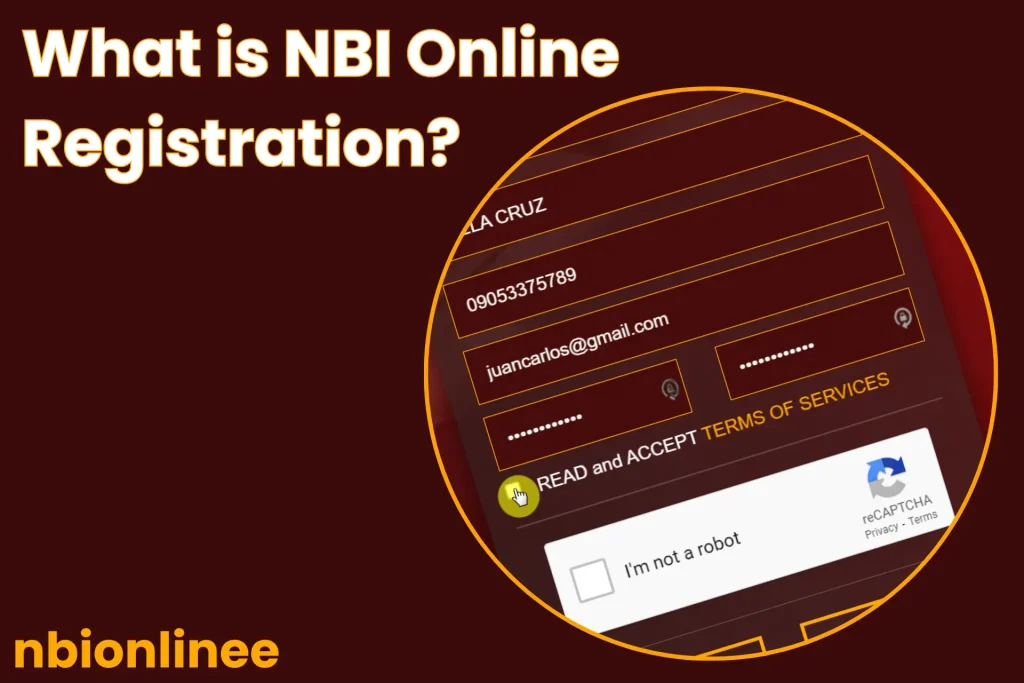
NBI online registration is a process to get an appointment sitting at home. For this purpose, you have to type your personal and valid information for further verification. You get an appointment schedule, avoiding the long queues, hours waiting, and getting rid of the hassle of making manual or cash payments. To bypass the crowds in NBI centers, you can select your appointment schedule during less peak hours.
In the beginning, NBI (National Bureau of Investigation) launched an online application system optionally on January 24, 2014, letting the applicants choose the one, online or walk-in NBI registration. After that, on April 1, 2015, this online registration became mandatory to get an appointment online for NBI Clearance.
Requirements Before NBI Clearance Registration
NBI Clearance web portal allows anyone to get registered at any time by entering the correct credentials. The primary requirements for NBI Clearance registration are listed below:
| Requirement | For What |
|---|---|
| Valid Email Address | Create and verify your NBI account |
| Mobile Number | Receive notifications and SMS |
| Personal Information | Complete the online application form |
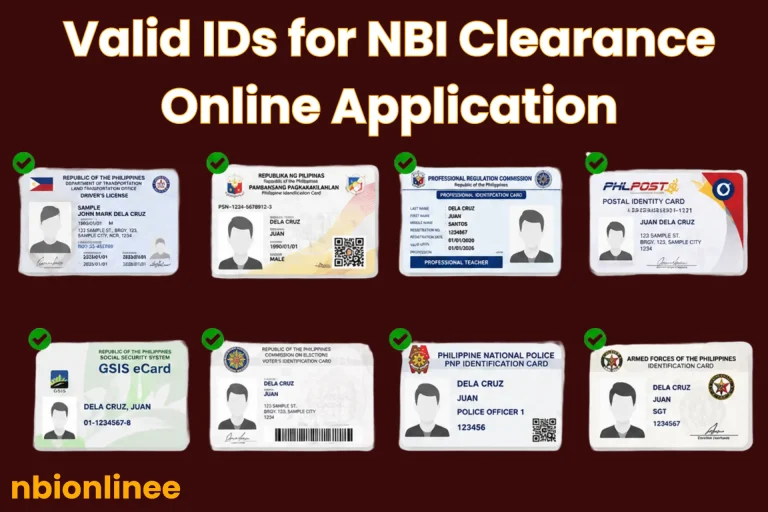
| Valid Government ID | Verify your identity during the appointment |
| Internet-Connected Device | Access the NBI online registration portal |
| Payment Method | Pay the application fee through an authorized channel |
How to Get NBI Clearance Online Registration?
Here is a sequenced process of NBI online registration Philippines, but applicants mix-up the steps and information, which results in rejection or a re-applied NBI appointment. So, we have provided a step-by-step guide as follows:
Account Registration
Application Submission
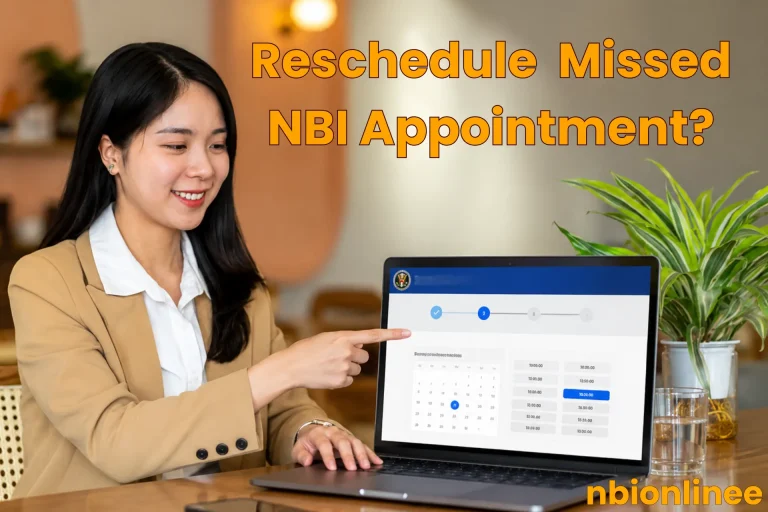
Appointment Schedule
Now you have to visit the NBI Center for biometric verification, fingerprint records, and document checking manually. Follow these steps for an appointment:
Billing
Finally, you have to pay the dues for overall NBI Clearance processing. Next to the appointment schedule, proceed to the payment section. You can pay online through mobile wallets or convenient payment centers physically. Select any supported payment method such as:
Mobile Wallets
Physical Centers
Tips for Smooth NBI Clearance Registration
Troubleshooting in NBI Online Registration Process
Activate Your Account First
This error arises when you’ve created your account but have not yet activated it. To activate an account, visit the email inbox of the same email account. The NBI portal sends you an email confirmation link that you’ve to go through.
Forgot NBI Password
If you forgot your login password, you have to recover your password by going through the “Forgot Password” option. The NBI system will send you a confirmation link on your previously added email address.
Expired Activation Link
Once the system provides you with an activation link is valid for a short time. After that, it becomes invalid or shows an error when clicked. To get rid you have to get a new one.
Conclusion
NBI online registration is a mandatory preliminary procedure; it upgrades to a smooth and fast clearance process, avoiding the crowd. The online registration for appointment let’s to go the extra mile, like profile creation, appointment scheduling, and billing.
We recommend that you bookmark our website for a sequential guide while going through the process.