NBI OTP Not Received? Best Guide to Fix in 2026
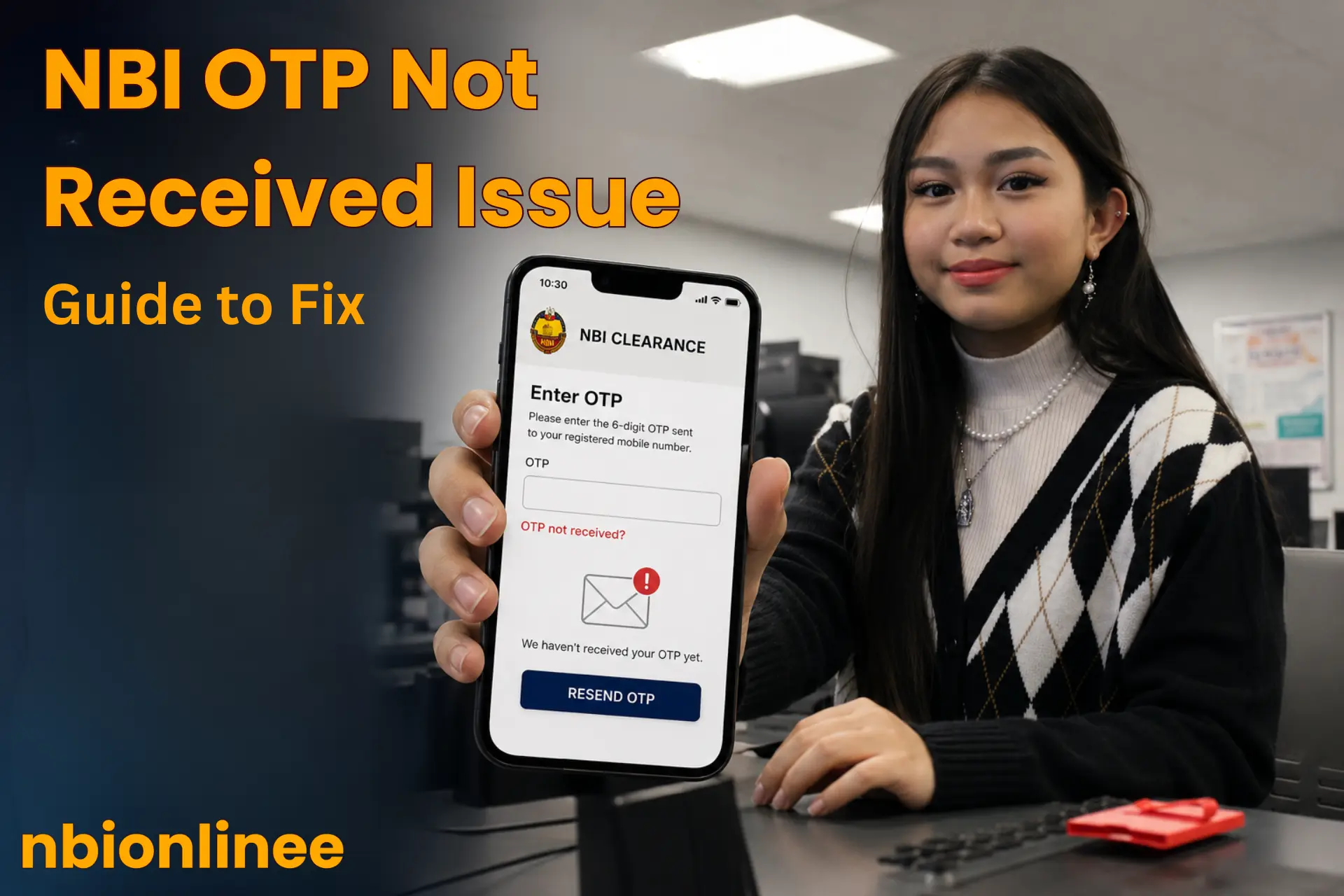
The NBI OTP is a one-time-password that the NBI portal sends you to your verified email or mobile number while creating or logging in to your account. Are you also facing the “NBI OTP not received” problem? Many applicants complain about NBI OTP not received at the time they register an account, login, or verification for password reset.
In this article, we will understand why NBI OTP not received, what you should do to get the OTP code, and how long it takes to receive.
Why is NBI OTP not Received?
It is essential to recognize the precise reason before troubleshooting the issue of why “NBI OTP not received”. There are the following common flaws and causes of not being received NBI OTP:
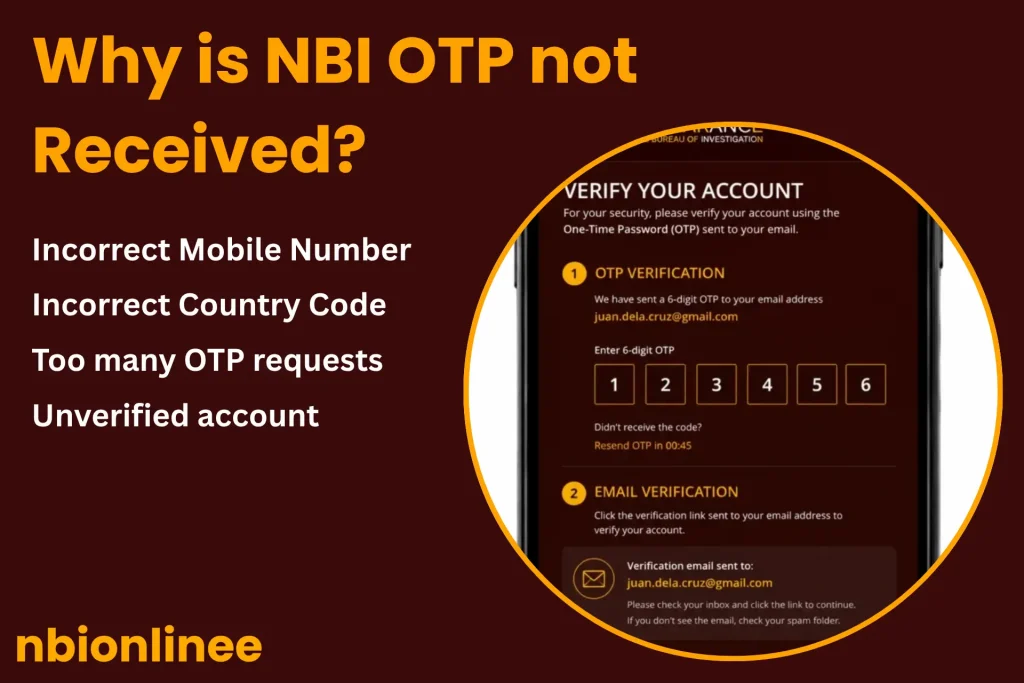
Causes and Fixes of Delays in NBI OTP
There are multiple types of causes of technical and maintenance delays in NBI Clearance OTP delivery. Below are the reasons and their solutions:
Incorrect Number / Email
Suppose you have entered the wrong number, even a single-digit mistake, while registering on the NBI Clearance portal online for an appointment. This typo may lead to the OTP not being received.
Fix
Remember your number, confirm that it is working on your device, and then go to the application section and update the contact number. Follow the same guidelines for email address.
NBI Server Load
During peak hours, the NBI website may face high traffic load and lag in OTP delivery. To respond to too many applicants actively is quite hard for a web server, which results in a delay in OTP code delivery.
Fix
For this, you have to wait a few minutes, letting the portal send OTPs turn-by-turn; if you still do not receive the code, request it to be resend.
Mobile Network Delay
Network service providers may delay the delivery of OTP code SMS due to congestion or an outage of the connection between the service carrier and the NBI database.
Solution
If a specific network is not working, use an alternative network which is working better now.
Service Outage
Sometimes living in a good network service area, you still face delays in receiving the NBI OTP code. This prevents the delivery of SMS codes and verification messages.
Solution
Switch the mobile phone to restart to establish and refresh the connections and messaging apps. If you so far have not received the OTP after restarting, seek a new OTP.
Too Many Attempts
Requesting frequent OTPs against the same application in a short time span, the NBI counts it as a security risk. The NBI system imposes temporary restrictions to generate new passwords. This blockage may last 30 to 60 minutes.
Troubleshoot
Avoid requesting too many OTPs simultaneously. However, you may have to wait an hour or half. Check the reasons why the code is not delivered during this break.
Inbox Full or Filtering Spam
Sometimes the storage space of the device is not enough to receive new SMS; this may cause the blockage of new incoming SMS. The spam filter detects the NBI OTP code SMS as spam like other promotional messages. The SMS may be queued in the “Spam” folder.
Solution
If the storage is full, you must delete some unnecessary messages to make space for new incoming ones. Or turn off the spam SMS filter to unblock the NBI (National Bureau of Investigation) from sending you an OTP as a regular message. Or you can check the “Spam” section to see your OTP code.
OTP Expired
To ensure the security of the applicants’ data, NBI provides a one-time-password. The OTP becomes inactive after 5 minutes. If you have not entered that OTP within 5 minutes, it will automatically be counted as expired by the NBI system.
Solution
Always use a stable network to receive OTPs within the due time and enter this OTP within 5 minutes.
NBI System Maintenance
The NBI system upgradation and maintenance process may cause a break in the delivery of OTPs. This might be a temporary error, leading the NBI online portal to delay in NBI OTP.
Solution
For the system upgradation and maintenance, NBI officially releases a notice to the public via their official social media channels, press statements and database alerts. Try the OTP requests after that scheduled time period to avoid delays.
Best Tips to Get NBI OTP Fast
The NBI (National Bureau of Investigation) often releases awareness messages for the public to avoid delays in OTPs and other troubles in the whole NBI Clearance process. Follow these guiding tips to confirm the receiving of OTPs fast:
Conclusion
The “NBI OTP not received” is a resolvable temporary error. It might be from the NBI system side or from your side. But you don’t have to panic. You must stop the frequent requests and diagnose the error properly to overcome the problem.